Best Task Management Tools for Remote Teams
Remote work has become a common arrangement for many organizations, and the tools used to manage tasks and projects play a significant role in how teams coordinate. Task management platforms are designed to support distributed teams by offering features such as task assignment, deadline tracking, and progress monitoring. The choice of a tool can influence communication patterns and workflow efficiency, though the suitability of any platform depends on the specific needs and processes of a team.
This article compares three widely used task management tools: Trello, Asana, and ClickUp. Each tool offers a distinct approach to organizing work and facilitating collaboration. By examining how they handle core functions like task assignment, deadlines, and progress tracking, teams can make more informed decisions about which platform aligns with their remote work practices.
The comparison focuses on the features and methodologies of each tool rather than prescribing a single solution. The information provided is intended to help teams evaluate options based on their unique requirements, with the understanding that no single tool is universally ideal for all remote teams.
Overview of Trello, Asana, and ClickUp
Trello, Asana, and ClickUp are three prominent task management applications that have gained traction among remote teams. Trello uses a card-based system with boards and lists, which provides a visual way to organize tasks. Asana offers a more structured approach with tasks, projects, and portfolios, emphasizing clarity in assignments and timelines. ClickUp aims to be an all-in-one solution, combining tasks, docs, goals, and chat in a single platform. Each tool has its own philosophy and set of features that cater to different team preferences and workflows.
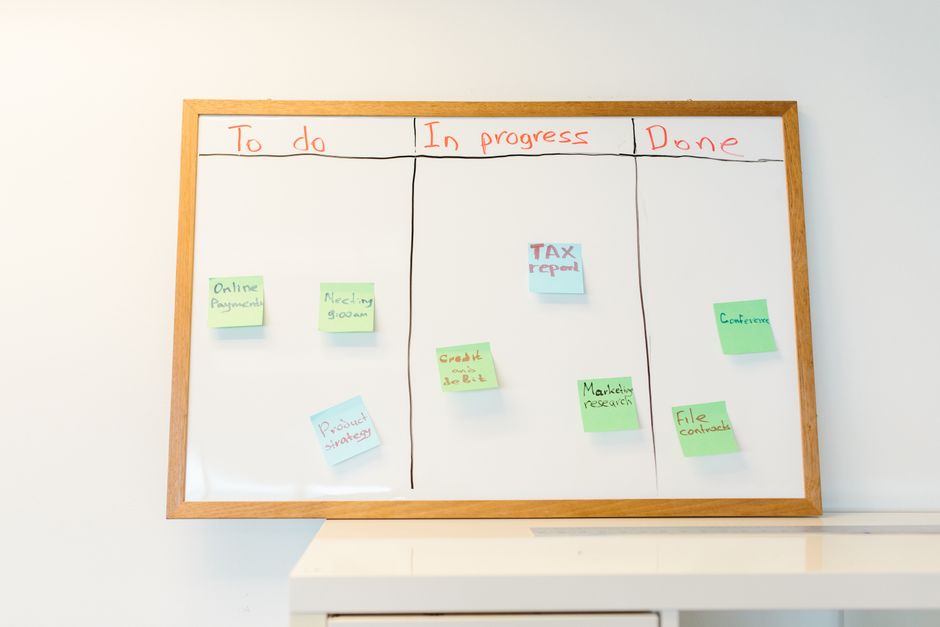
Trello is known for its simplicity and flexibility. Boards represent projects, and cards represent tasks that can be moved across lists to reflect different stages. This makes it easy to see the status of work at a glance. Asana provides a list or board view and includes features like task dependencies, milestones, and custom fields, which can support more complex project structures. ClickUp offers multiple views, including list, board, calendar, and Gantt, and allows for extensive customization. The choice among these tools often comes down to the level of structure and the specific features a team requires.
Task Assignment and Collaboration Features
Task assignment is a fundamental aspect of remote team collaboration, as it clarifies who is responsible for what. In Trello, tasks can be assigned to individual members by adding them to a card. Members can then receive notifications and updates related to that card. Trello also supports checklists, attachments, and comments, which facilitate communication within the context of a task. However, Trello does not natively support assigning multiple members to a single card, which may be a limitation for tasks that require shared responsibility.
Asana allows tasks to be assigned to a single individual, but it also supports adding collaborators who can receive updates and contribute without being the primary assignee. This can be useful for tasks that involve multiple people. Asana’s task assignment is integrated with its project structure, so tasks can be organized into sections and projects, and team members can see their assigned tasks across projects through the ‘My Tasks’ view. Asana also includes features like task dependencies and subtasks, which help break down complex work.
ClickUp provides flexible assignment options. Tasks can be assigned to multiple people, and each assignee can have a specific role, such as primary or secondary. This can be helpful for tasks that require collaboration. ClickUp also includes features like task watchers, who can receive notifications without being assignees, and custom fields that can track additional information. The platform supports comments, mentions, and threaded discussions, which can centralize communication. The assignment features in each tool reflect different assumptions about how work is distributed and monitored in remote settings.
Deadline Management and Time Tracking
Meeting deadlines is a common concern for remote teams, and each tool offers mechanisms to set and track due dates. Trello allows due dates to be added to cards, and cards can be filtered by due date. Trello also supports recurring due dates for repetitive tasks. However, Trello does not have built-in time tracking; users often rely on integrations with other apps for that functionality. The simplicity of Trello’s deadline management can be an advantage for teams that need basic reminders without complex scheduling.
Asana provides due dates and start dates for tasks, and it can send notifications for upcoming and overdue tasks. Asana also includes a timeline view that shows tasks along a calendar, which can help teams visualize deadlines and dependencies. For time tracking, Asana offers integrations with third-party tools, as well as a native time tracking feature in some plans. The platform’s approach to deadlines is integrated with its project management features, allowing for a more holistic view of how tasks fit into larger timelines.
ClickUp offers due dates, start dates, and even time estimates for tasks. It includes native time tracking that can be started and stopped within a task, and it supports timesheets and reporting on time spent. ClickUp’s multiple views, such as the Gantt chart and calendar, provide different ways to visualize deadlines. The platform also allows for setting priorities and dependencies, which can help teams sequence work. The deadline management capabilities in ClickUp are extensive, though the abundance of options may require configuration to match a team’s workflow.
Progress Tracking and Reporting
Tracking progress is essential for remote teams to stay aligned and identify bottlenecks. Trello provides a visual overview of progress through its board system, where cards move across lists. For more detailed reporting, Trello offers Power-Ups, such as Butler automation and reporting tools, that can generate charts and summaries. However, comprehensive reporting often requires paid plans or third-party integrations. Trello’s strength lies in its visual simplicity, which can make progress status immediately apparent.
Asana includes a variety of reporting features, such as dashboards that display project status, task completion, and team workload. Asana also supports milestones and custom fields, which can be used to track specific metrics. The platform provides progress updates through task completion percentages and status updates. Asana’s reporting is designed to give managers and team members insight into how projects are advancing, and it can be customized to show relevant data. The level of detail available in Asana’s reports can support data-driven decision-making.
ClickUp offers dashboards, reports, and widgets that can track progress in real time. Users can create custom dashboards with cards showing task status, time tracking, and other metrics. ClickUp also includes goal tracking, which allows teams to set targets and monitor progress toward them. The platform’s reporting capabilities are broad, and it can aggregate data from multiple projects. However, the extent of customization may require initial setup to align with a team’s reporting needs. Each tool provides different levels of insight, and the choice depends on the importance a team places on reporting and analytics.
Considerations for Remote Team Collaboration
When selecting a task management tool for a remote team, several factors beyond core features should be considered. Integration with other tools used by the team, such as communication apps, file storage, and calendars, can affect how seamlessly the platform fits into existing workflows. The learning curve and user interface also matter, as remote teams may have varying levels of technical proficiency. Pricing models and scalability are important for long-term use, as teams may grow or change over time. Additionally, the level of customer support and community resources can influence the overall experience.
Each tool has its own strengths and potential limitations. Trello’s visual and straightforward approach may appeal to teams that prioritize simplicity and flexibility. Asana’s structured environment may suit teams that need robust project management features. ClickUp’s all-in-one platform may be attractive to teams that want to consolidate multiple functions into a single tool. It is important to evaluate these aspects in the context of the team’s specific needs and processes, as there is no universal best choice.
ToolPilot suggests that teams consider conducting a trial or pilot period with each tool to assess how well it aligns with their workflows. This can help identify any gaps or challenges before making a long-term commitment. The effectiveness of any task management tool ultimately depends on how well it is adopted and integrated into the team’s daily routines. By carefully assessing the features and considering the team’s unique requirements, remote teams can select a tool that supports their collaboration and productivity.